Open and review IFC models with your team in a browser, with nothing to install. The BIM viewer is included in the paid BIM plan. You can book an online demo free of charge.
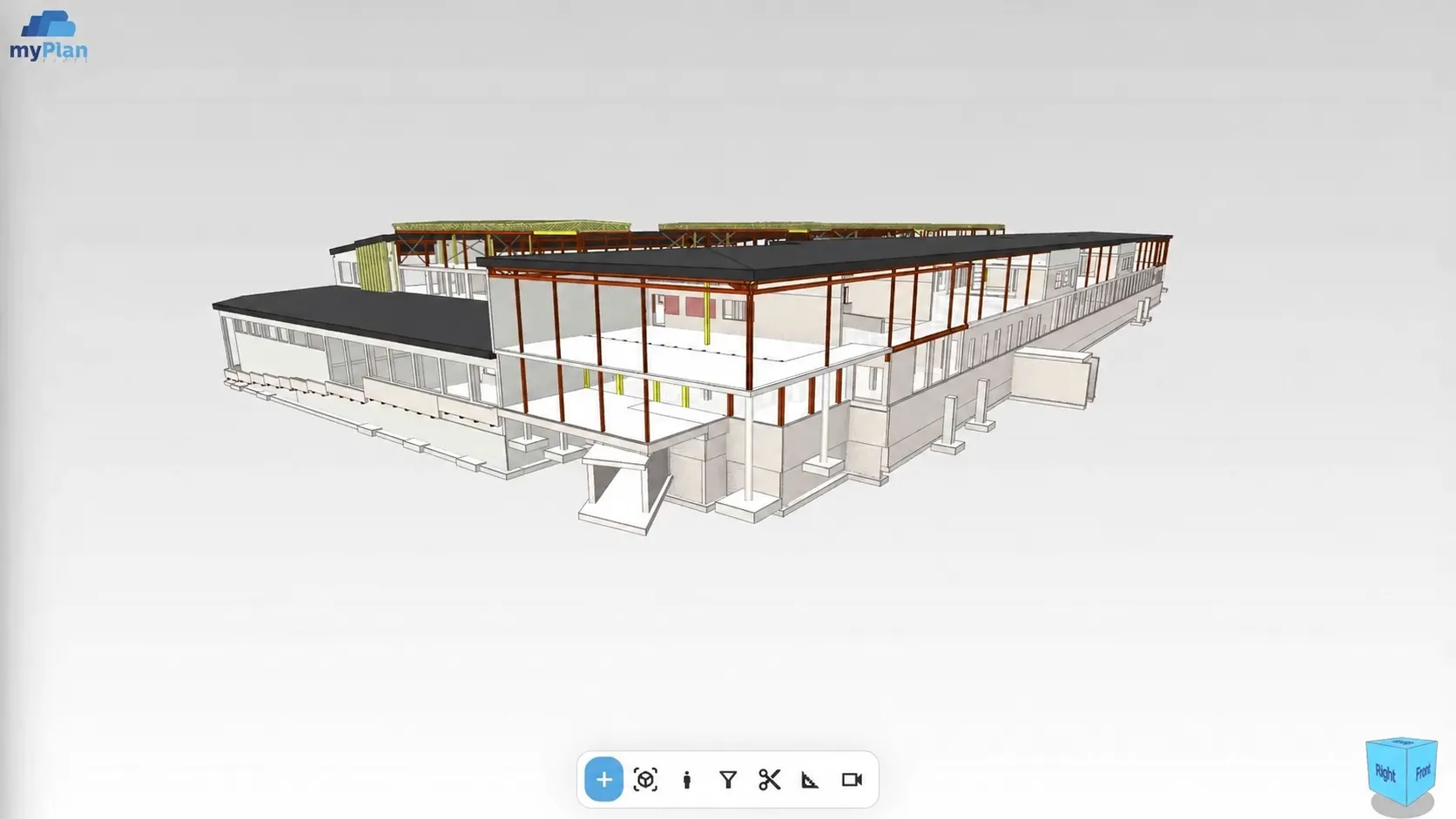
A drawing sheet shows one detail, and the discipline models arrive as separate files. Before any coordination, the team first needs a shared picture of how the building fits together – and not everyone has modelling software.
An IFC viewer (BIM viewer) is used to open an IFC building model, review it in 3D and inspect the available element data. It shows how the building fits together without modelling software. In myPlan.cloud the viewer works in the same system as the project's documents and participants; how detailed the element data is depends on the content of the uploaded IFC file.
BIM models can be reviewed in one shared view, according to each participant's access permissions.
Open the model and walk through it in 3D – no installation, no modelling software.
Combine several discipline models in one central model space and see the building as a whole.
Review the available data of the elements in the model. The level of detail depends on the uploaded model.
Use section planes and distance measurement to examine the parts of the building that matter for coordination.
The model sits in the project's document repository, next to drawings, versions and tasks.
The BIM plan also includes IFC export and 360° site walkthroughs for progress tracking.
A viewer and modelling software do different jobs: here participants review the available model and coordinate around it. The approved drawing version and the contractual workflow are managed separately.
Start with the project's IFC model – or several discipline models.
Walk through the model, use a section and check the data of the affected elements.
Designer and contractor start the meeting from the same 3D picture.
The demo starts from your project: we look at how myPlan.cloud fits the way your team works. There is nothing to install in advance – the system runs in the browser.
After registering, you can explore the myPlan.cloud sandbox. If you'd like help, send us an enquiry using the form.
No. The myPlan.cloud BIM viewer runs in the browser, so participants don't need modelling software.
The BIM viewer, model federation and metadata management are part of the BIM plan, with an unlimited number of models. See the pricing page for details.
The available data of the elements in the model. How detailed it is depends on the content of the uploaded IFC file.
No. The viewer is for reviewing an existing model and coordinating around it; the model itself is still created in your design software.
BIM (Building Information Modelling) is a way of working with a building's digital model and its data. IFC is an open file format for sharing models created in different software.