Drawings, technical documents and project files in one shared, clear system – from the office to the site. myPlan.cloud keeps documents, versions and access rights in order.
The new drawing arrives by email, the contract sits in another folder, and the site team is looking for a third file. When documents live in several places, every meeting starts with a search – and people don't always work from the right version.
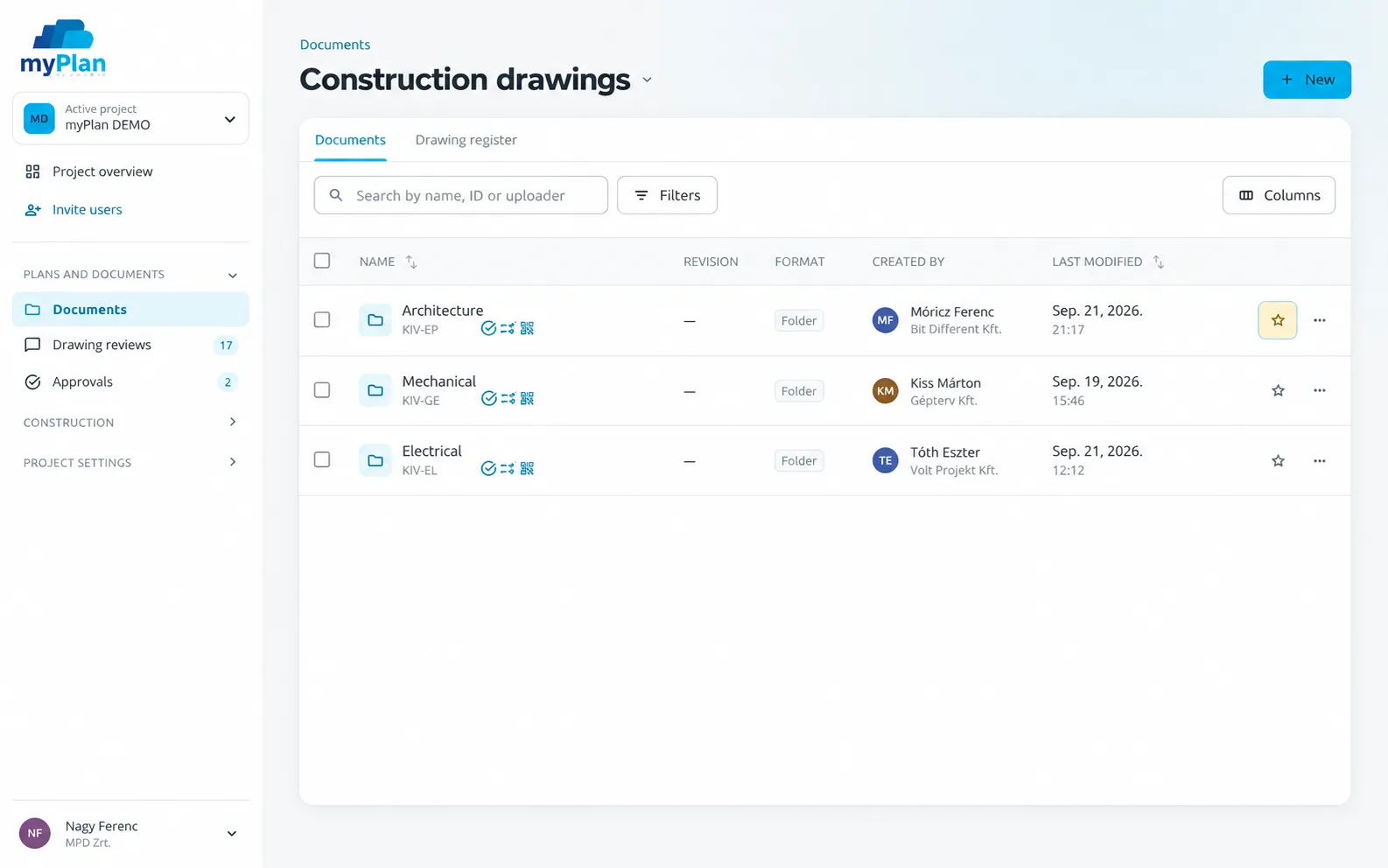
Construction document management software brings a project's drawings, technical documents and related files into one shared working environment. In myPlan.cloud, documents are connected to the project structure, the participants' permissions and the workflows around the drawings – version control, review and approval.
Beyond shared storage, permissions, document versions and the related project workflows are all in one place.
Organise project files by discipline and phase, so the office, the site and external partners all work from the same system.
Decide who can view, edit or approve each document. People with fewer rights also get a simpler interface.
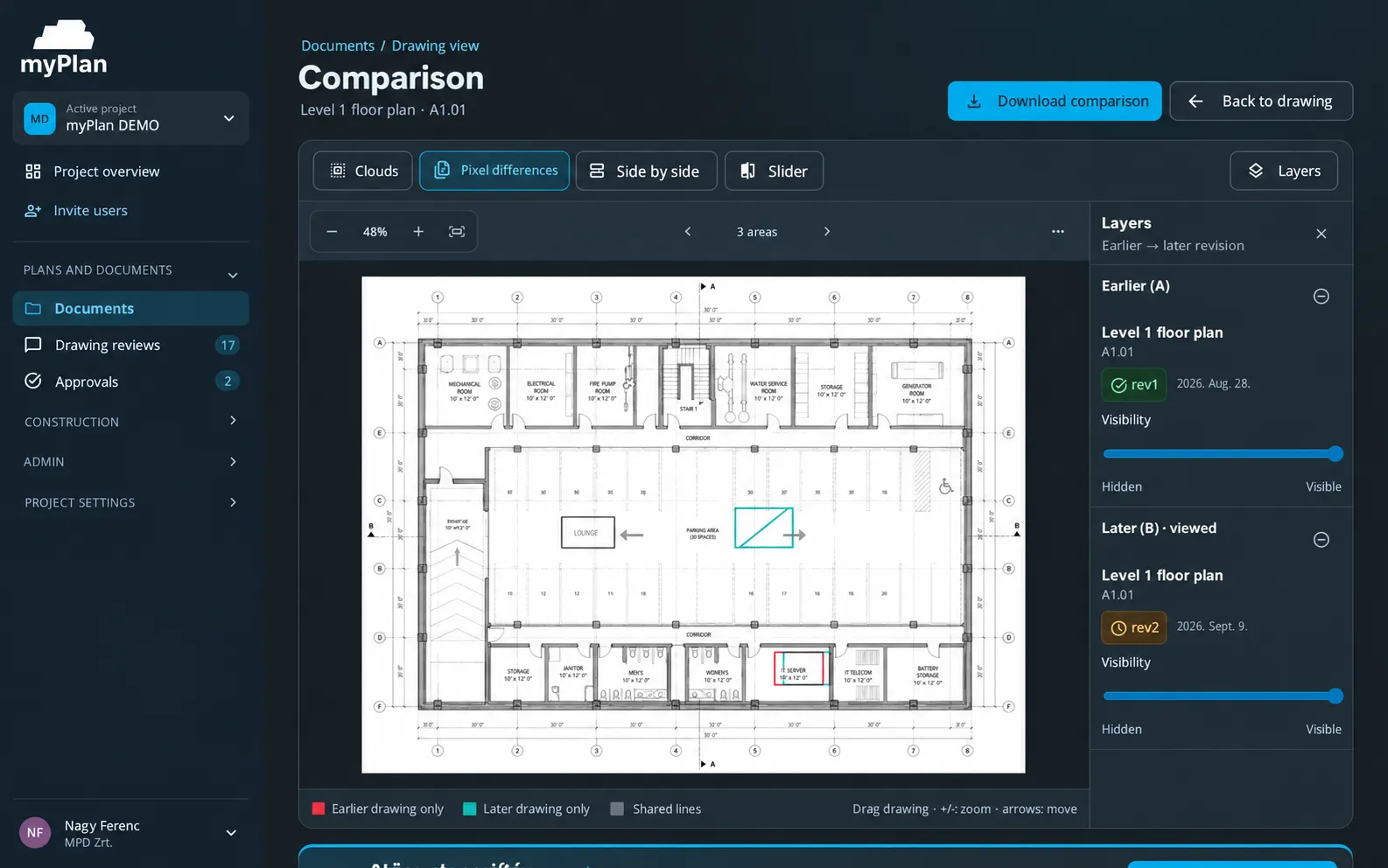
Each new version is linked to the original document, so the latest revision is always clear and earlier ones stay retrievable.
Mark up and comment directly on the drawing, so coordination stays next to the document instead of in email threads.
Multi-level approval workflows show which drawings are waiting for a decision and what has already been approved.
See who uploaded, viewed or approved a document and when. With the mobile app, the status can also be checked from the QR code on the drawing sheet.
A document repository works well when the team finds and issues material by the same rules. For every drawing, the discipline, the affected area and the version should be clear.
Create the document structure and invite participants with permissions that match their role.
Upload floor plans, discipline drawings, BIM models and documents to the appropriate folders. Link new versions to the existing documents.
Review, approval and site tasks are all linked to the same document.
The demo starts from your project: we look at how myPlan.cloud fits the way your team works. There is nothing to install in advance – the system runs in the browser.
After registering, you can explore the myPlan.cloud sandbox. If you'd like help, send us an enquiry using the form.
No. Alongside shared storage, permissions, document versions, markups, review and approval workflows are all connected to the documents.
Document management is about organising files and controlling access. Version control tracks the versions of the same document and the changes between them. In myPlan.cloud both work in the same system.
Clients, project managers, designers, contractors and subcontractors – anyone who works with documents from several participants on one project.
No. myPlan.cloud runs in the browser – no servers to rent or install. For site work there is also a mobile app that works with a weak signal.
Book a free online demo: we'll walk through the first steps of rollout based on your own document structure and participants.